


Cut Out Object from Photo Online — AI Subject Extractor
Cut out objects from photos online in seconds with GenShot's AI subject extractor. Upload any image, select the subject you want to isolate — AI automatically detects object boundaries, extracts it with precision, and saves a clean PNG with transparent background. No Photoshop needed.
Whether you need to cut out a person for a design, extract a product for e-commerce, or isolate any subject for a collage — GenShot delivers studio-quality cutouts in under 10 seconds. Try object cutout free — sign up and get 100 credits instantly.
What Can You Cut Out with AI?
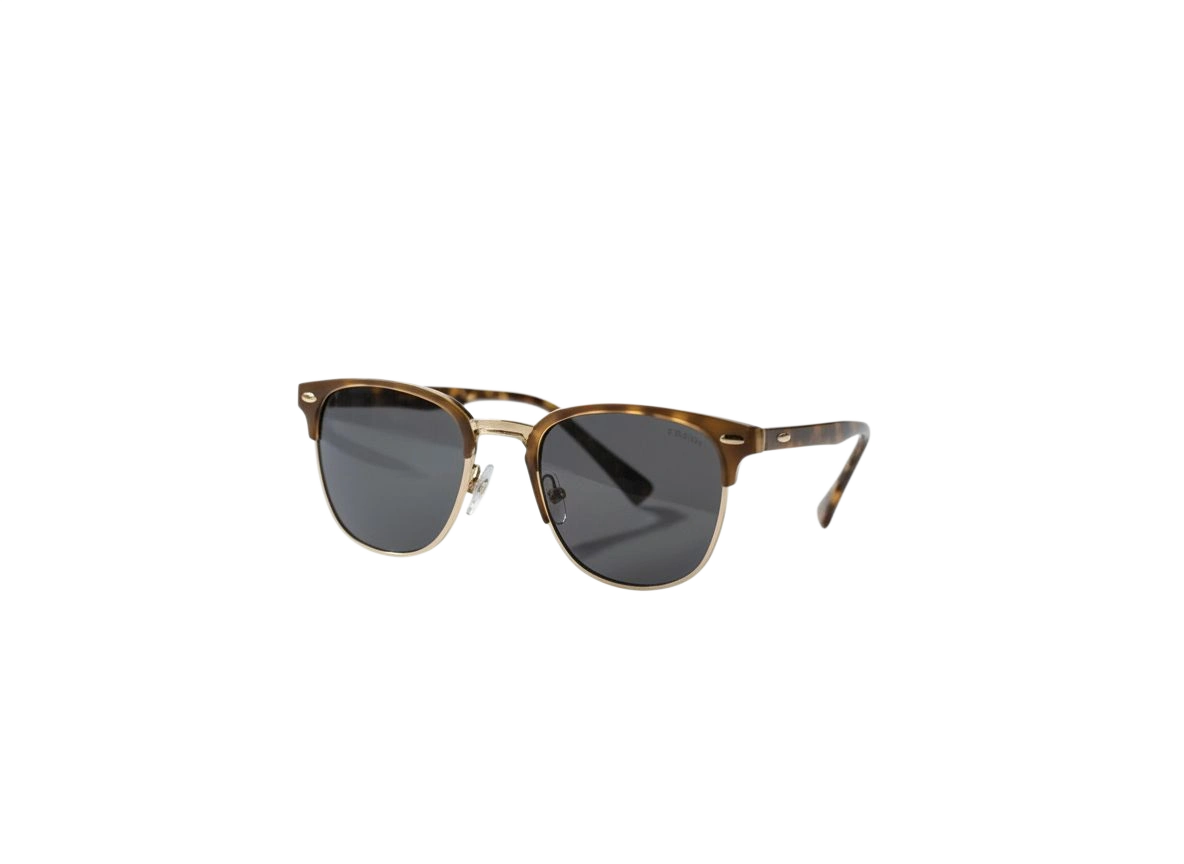
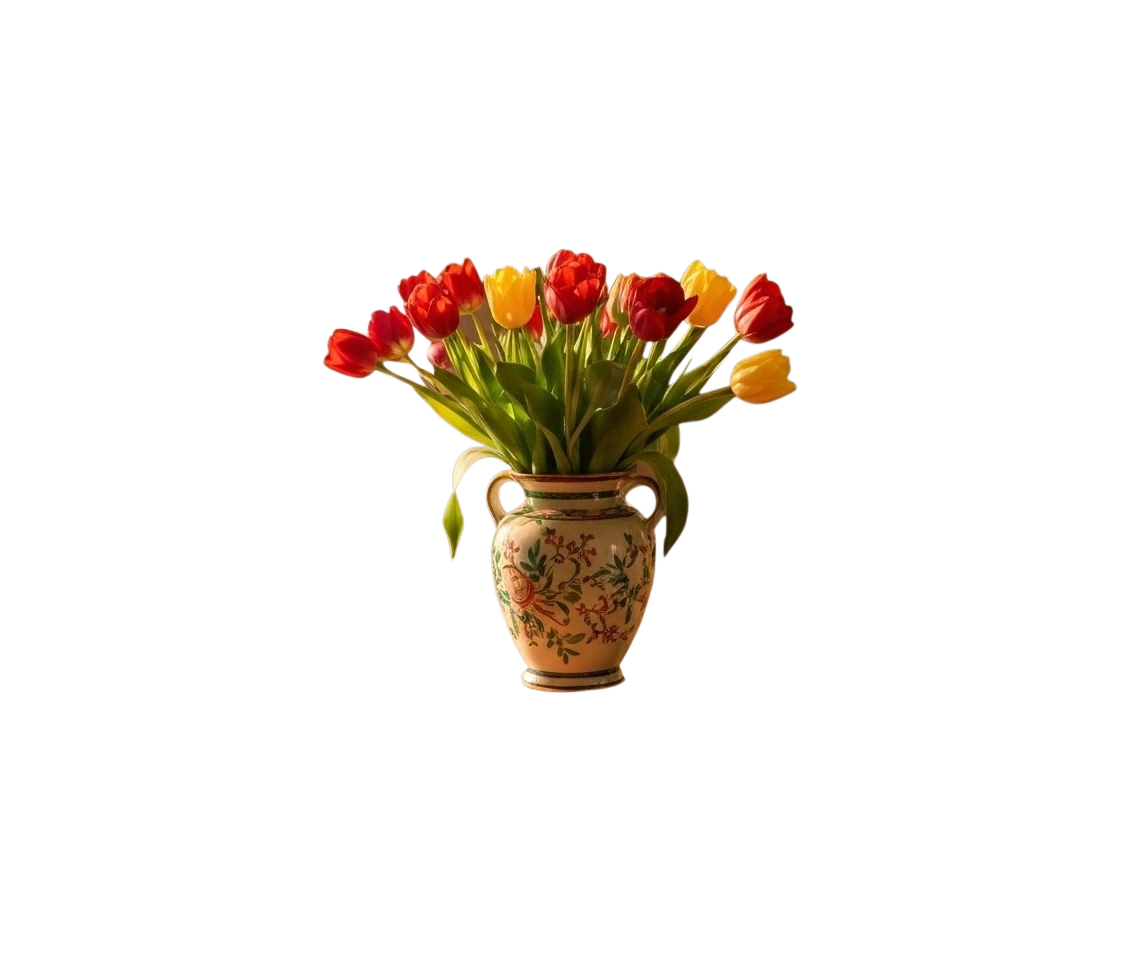
GenShot's AI cutout tool handles any type of subject: people, portraits, animals, vehicles, clothing, products, logos, plants, and more. The neural network accurately traces even complex edges — hair, fur, transparent objects, and fine details are all preserved in the final PNG.
Use cutouts for: product listings on marketplaces, social media content, design mockups, presentations, profile photos with custom backgrounds, stickers, and print materials. Download as PNG with transparent background and place on any surface.
Benefits of AI Object Cutting vs Manual Editing
Traditional photo cutout with pen tool in Photoshop takes 5-30 minutes per image. GenShot's AI does the same in seconds with comparable or better precision. Complex edges like hair or fur that require tedious masking are handled automatically by the neural network.
Sign up free and receive 100 credits upon registration, plus 50 free credits every day. With daily credits refreshing automatically, you can cut out subjects from photos regularly without any subscription.